


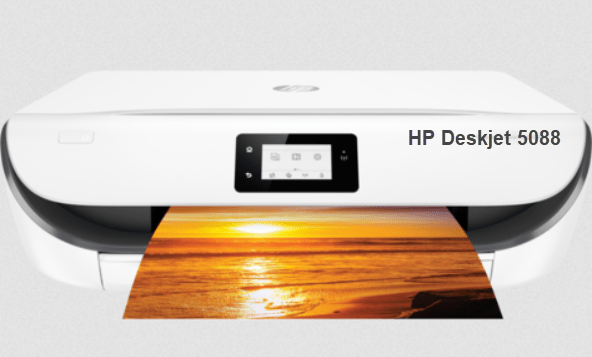
HP Deskjet 5088 is an inkjet color printer. It is an all in one printer that can print, copy and scan along with Wi-Fi connectivity. If you want to use all the features on your computer, you will have to install the latest version driver on your computer.
Either you can download the latest version driver from its official website or I have given the download link in the download section given below. Do not worry about the version of the driver because we always keep the latest version driver. This driver supports Windows 11, Windows 10, Windows 8, Windows 7, Server editions, Linux and Mac OS as well.
Advertisement
After downloading the driver, don’t forget to read the below given step by step installation steps that will help you to install the driver properly on your computer. So let’s start the installation process by downloading the drivers first, and then jump to the “how to install” section.
Download HP DeskJet 5088 Printer Driver
In order to download HP Deskjet 5088 printer driver for Windows, Linux and Mac, you just need to click on the below given download link according to your operating system.
Driver for Windows
Supported OS: Windows 11, 10, 8, 8.1, 7, Vista, XP, Server 2003 to 2026
Full feature driver for Windows 11, 10, 8, 8.1, 7, Vista, XP, Server 2003 to 2026 – Download
Basic driver for Windows 11, 10, 8, 8.1, 7, Vista, XP, Server – Download 32bit / Download 64bit
Firmware for Windows All – Download
Driver for Mac
Supported OS: macOS 10.x, 11.x, 12.x, 13.x, 14.x, macOS 15 Sequoia, 26.x Tahoe
HP Easy Start driver for macOS 10.x, 11.x, 12.x, 13.x, 14.x, macOS 15 Sequoia, 26.x Tahoe – Download
Driver for Linux
Supported OS: Linux & Ubuntu REM/DEB (32bit / 64bit)
Universal driver for Linux & Ubuntu REM/DEB – Download
OR
You may download the HP Deskjet 5088 printer driver directly from the HP’s official website.
How to Install HP DeskJet 5088 Printer Driver
After download the driver, you must know the right method to install this printer driver. I have prepared a step-by-step guide to install this printer. So please follow the following steps.
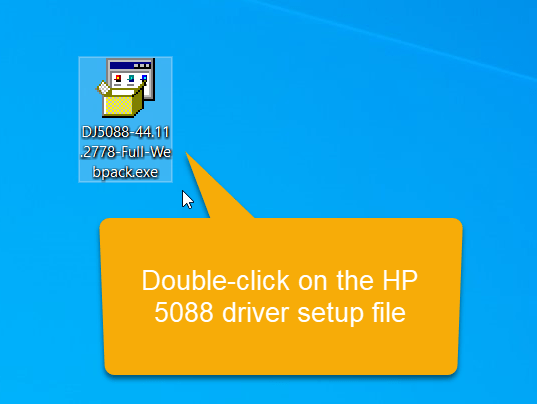
Step 1: Double-click on the driver setup file (DJ5088-44.11.2778-Full-Webpack.exe) to execute the driver file.

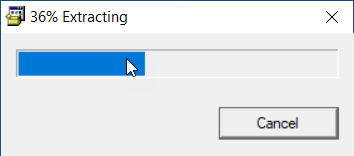
Step 2: Please wait, it is extracting the driver files.

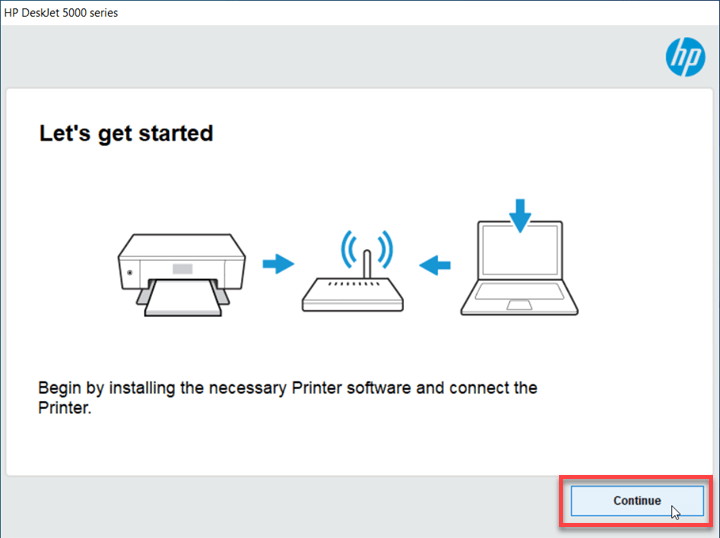
Step 3: Please connect the printer to the computer or WiFi router to make sure the printer is turned ON. Then click on continue.

Step 4: Click on Yes to accept to install the software along with the driver.

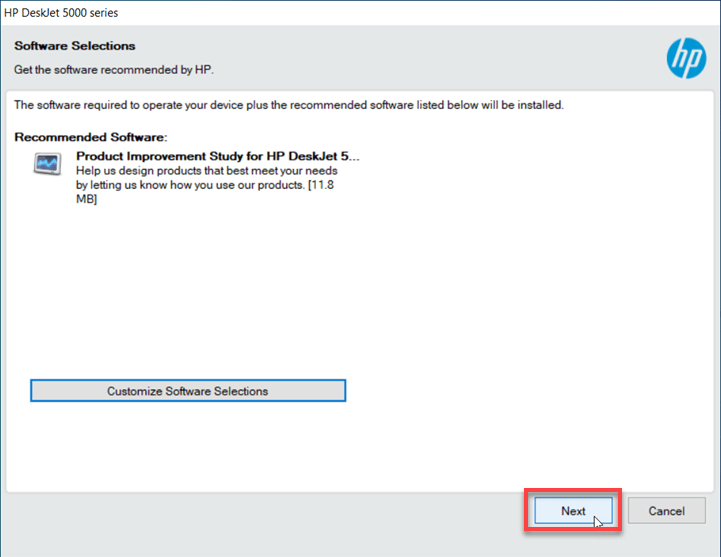
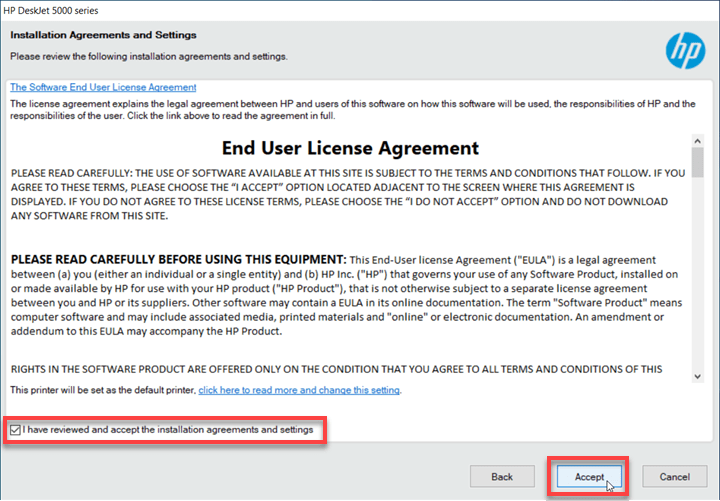
Step 5: Select the “I accept” and click on Accept.

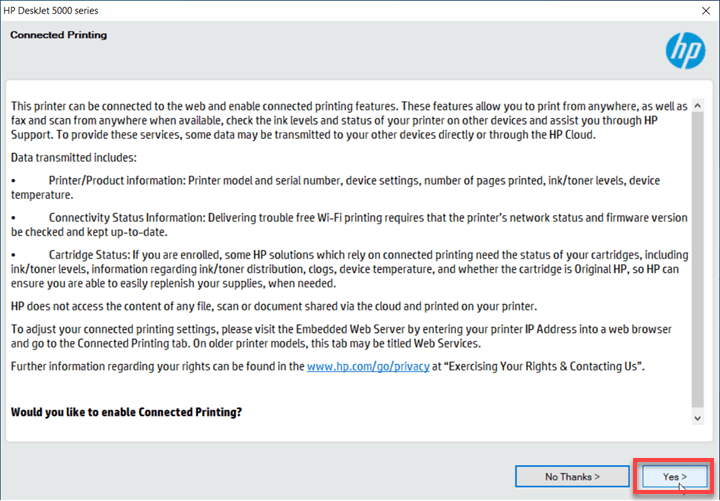
Step 6: Click on Yes.
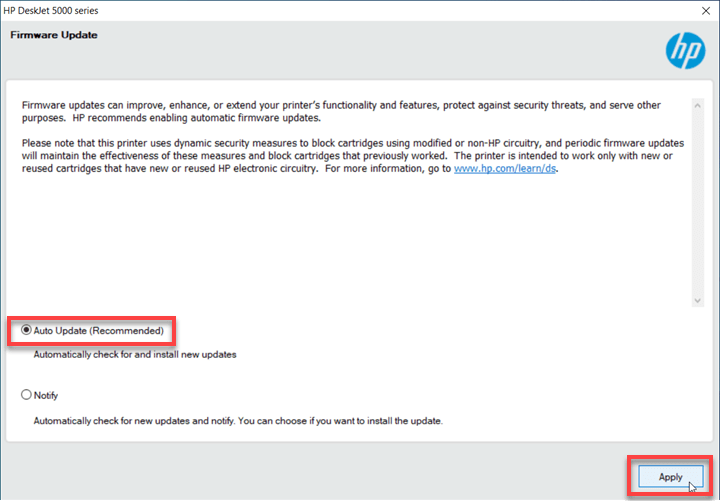
Step 7: Select the option Auto-Update and click on Apply.
Step 8: Click on Yes.
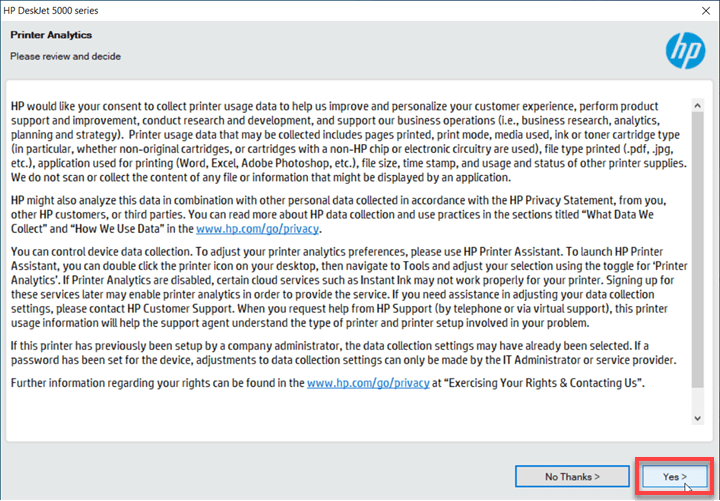
Step 9: Click on Yes again.
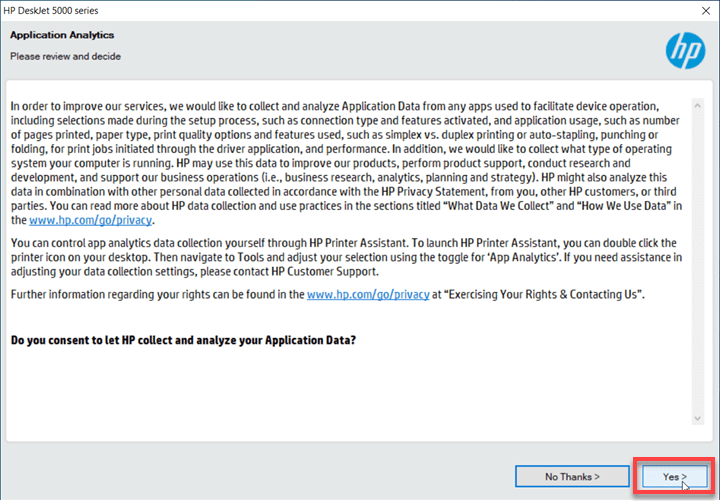
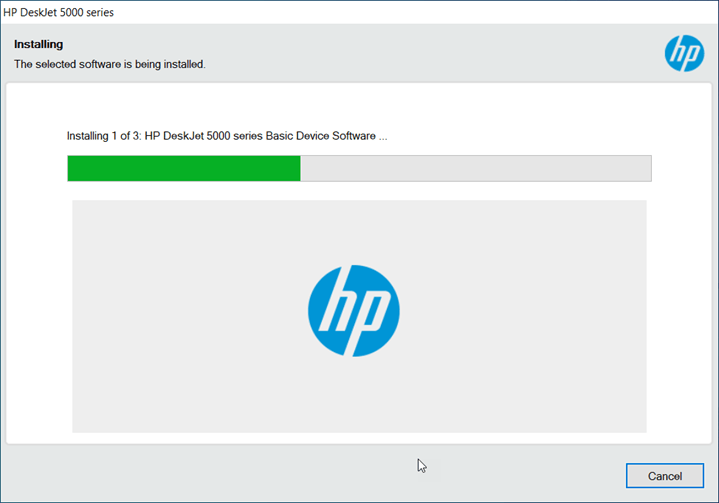
Step 10: It is installing the drivers & software, so please click on continue, yes and finish to complete the installation process.

Specifications & Features
As I I have stated the HP Deskjet 5088 is an all-in-one multi function printer, it has all the features that a small office needs. It is an ink efficient printer, that’s why HP has given it the name “ink advantage”. The technical model number of the printer is: M2U89B.
As it is a inkjet printer the print speed for black print is up to 20 PPM and for colour it is 16 PPM with up to 1200 DPI. It has one input tray that can hold 100 pages at a time and one output tray that can also hold up to 30 pages at a time. Maximum this printer supports A4 size pages. It has a flatbed scanner as well which can scan & save the documents to JPG, PDF, PNG and Tiff format with up to 1200 DPI resolution.
It has one built in Wi-Fi feature that can give you the freedom to connect this printer to your router or your laptop directly without any wire. It has one USB connectivity option which is a more suitable and stable option to connect this printer to the computer.
In order to connect this printer to the mobile, you can use HP App & Apple AirPrint. It has a WPS WiFi direct option to connect this printer to a computer & mobile to the computer.
This printer uses ink-cartridge technology for printing in the printer. If you want to replace the ink cartridges of this printer, you can buy them by its model number HP 678 which can produce 480 pages in black and 150 pages in color.