


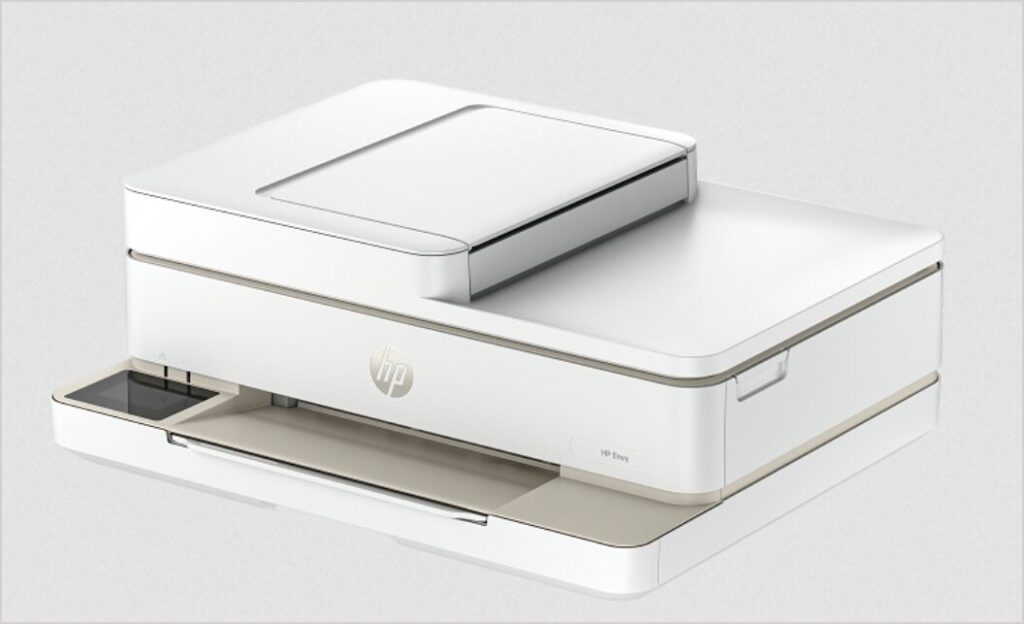
HP Envy 6558e is an all-in-one printer that can print, scan, copy and fax (mobile only). It has lots of features like auto-duplex, Wi-Fi connectivity, ADF and many more. You can utilize all these features through your computer but you will have to install a latest version driver on your computer. If you are looking for its driver, here you will get the drivers from the download section below.
After downloading the driver, follow the following instructions for proper installation. So, let’s start the installation process by downloading the drivers first.
Advertisement
Download HP Envy 6558e Printer Driver
To download the driver, determine the operating system version of your computer and then click on the below given download link accordingly.
Windows
Supported OS: Windows 11, 10, 8, 8.1, 7, Vista, XP (32bit / 64bit), Server 2000 to 2025
Full feature driver for Windows: Download – 324 MB | Recommended
Universal printer driver for Windows: Download (32bit) – 18.8 MB / Download (64bit) – 21.2 MB
Universal scanner driver for Windows: Download – 411 MB
Firmware download for Windows : Download – 112 MB
Mac
Supported OS: Mac OS 10.x, 11.x, 12.x, 13.x, 14.x, macOS 15 Sequoia, 26.x Tahoe Operating Systems.
HP Start App driver for Mac: Download – 10.6 MB
Firmware download for Mac: Download – 116 MB
Linux
Supported OS: Linux & Ubuntu REM/DEB (32bit / 64bit)
Full feature driver for Linux: Download 25.9 MB
OR
Alternatively, you may download the same drivers from HP’s official website.
How to Install HP Envy 6558e Printer Driver
In order to install the driver properly on your computer, follow the following steps which is given below. I have installed this on my Windows 10 64bit OS but you can apply the same method on Windows 11, 8, 8.1 and Windows 7 as well.
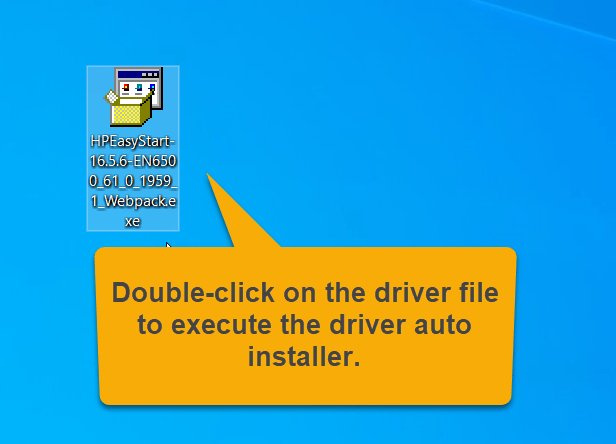
Step 1: Double-click on the driver file “HPEasyStart-16.5.6-EN6500_61_0_1959_1_Webpack.exe” to execute the driver installer.

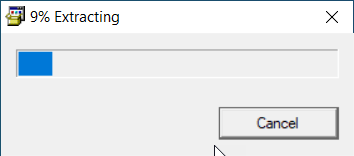
Step 2: The driver is being extracted, so please let it be done.

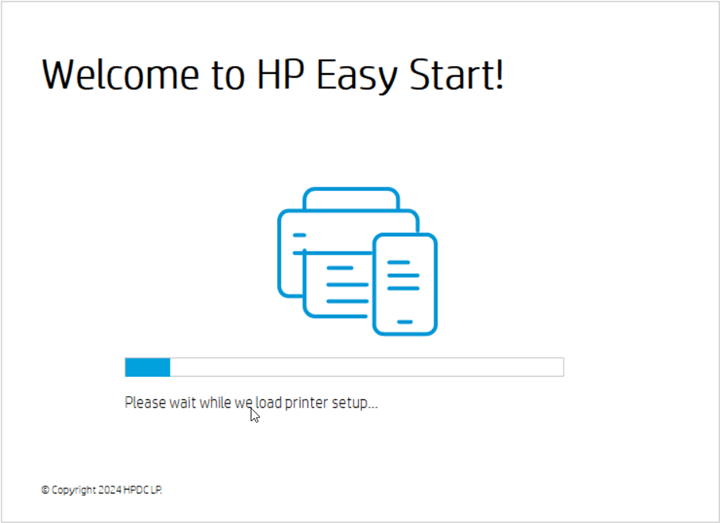
Step 3: It is preparing the driver file.

Step 4: Click on continue.

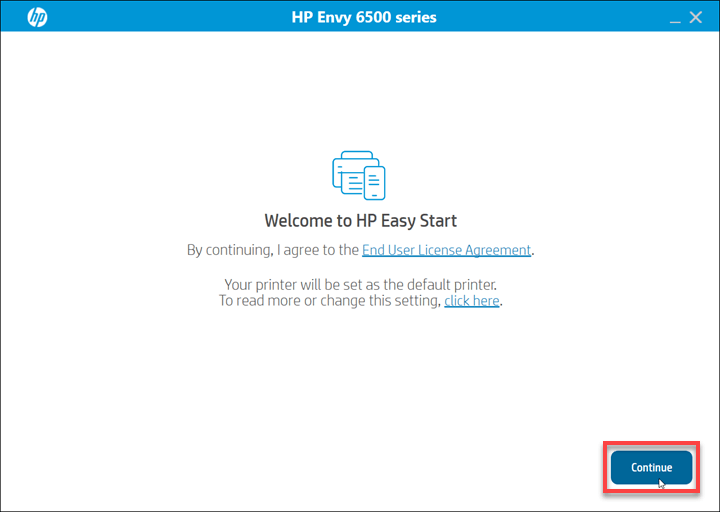
Step 5: Click on Yes
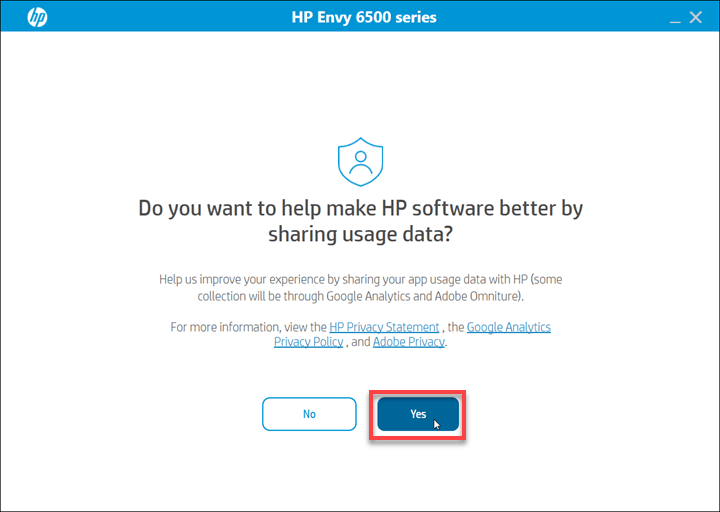
Step 6: If it says printer not found, click on continue to get more specific options to connect the printer.
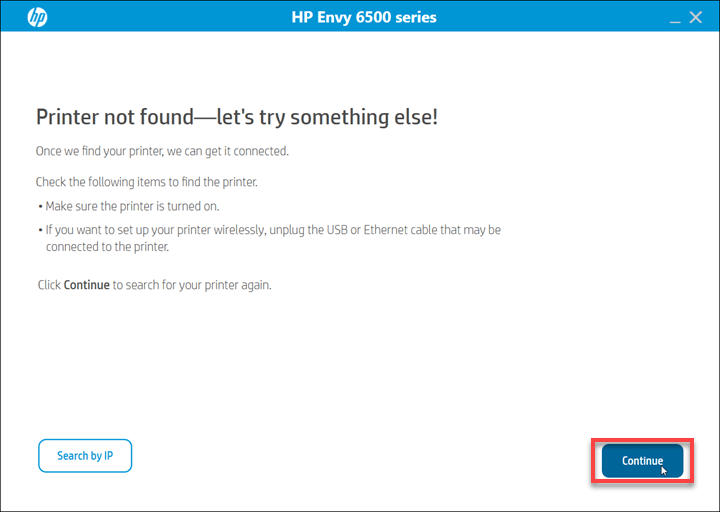
Step 7: Select the preferred connection type and click on continue.
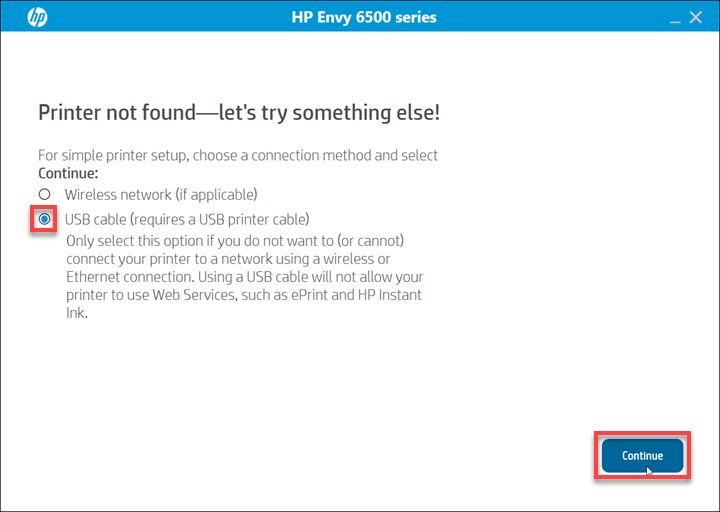
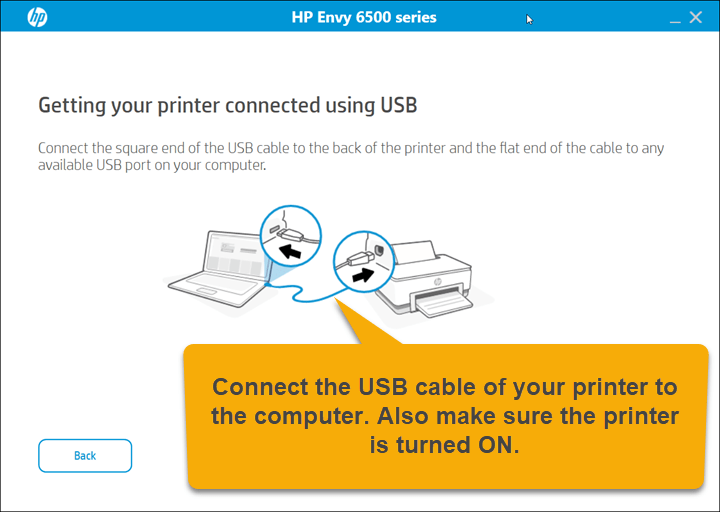
Step 8: Connect the USB cable of your printer to the computer and make sure the printer is turned ON properly. Once you connect the cable, this screen will detect your printer connection and give you the option to click on continue. If you are planning to connect this printer through Wi-Fi then you will have to connect the printer to your Internet router and then this setup will detect the printer here and then you will have to click on continue.
So, as you have seen how I have installed this HP Envy 6558e printer on a Windows PC. Is it not simple, know. You can apply the same steps to Windows 11, 8, 8.1 and Windows 7 computers.
Specifications:
Along with the wireless connectivity, there’s a USB port as well to connect this printer to the computer. You can set up this printer on your computer by installing its driver. To get the print command from the mobiles phones you will have to install its APP & AirPrint. This printer uses inkjet technology to print.
The print speed of this is around 10 ppm in black and up to 7 ppm in color. The copy speed of this printer is around 8 CPM in black and 3.5 CPM in color.
It has a 2.4” touchscreen display which will help you to navigate the printer settings easily. It has a 800 Mhz CPU and 256 MB RAM for better performance. This printer can only send FAX through mobile.
It has one more feature that makes this printer unique in its category which is Auto-duplex feature that will help you to print both sides of the paper without flipping it.
It has an input tray that can hold 100 pages at a time and an output tray that can hold 25 pages. This printer supports A4 size papers. It has a flatbed scanner and also supports ADF to scan multiple pages at one go.
The dimensions of this printer are 433 mm in width, 360 mm in depth and 171 mm in height. The total weight of this printer is around 6 KG. This printer is tagged as an ENERGY STAR certified and EPEAT registered.