


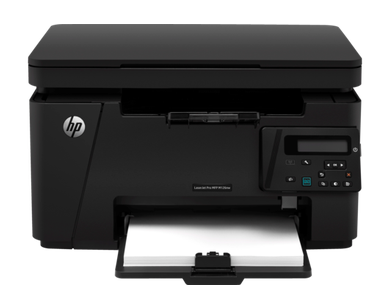
HP LaserJet Pro MFP M126 series is an all-in-one main series laser printer. The product model number of this printer is CZ174A. There are two model numbers that come under this series: the HP Laserjet M126A and the M126NW. These models use the main series driver. You can get its latest version driver from the download section given below. After downloading the driver, follow the step-by-step guide which is also given beneath the download section.
This printer supports the latest operating systems as well like Windows 11, 10, Server 2026, Mac 26.x and 27.x. The driver download link and its installation guide are given below. So let’s start the installation process by downloading the drivers first.
Advertisement
Download HP LaserJet M126 Series Printer Driver
To download the M126 driver, you just need to click on the download link according to the operating system version of your computer. I have given all the supported operating systems driver in the list below, so please check out the below given list.
Driver for Windows
Support OS: Windows 11, 10, 8, 8.1, 7, Vista, XP (32bit/64bit), Server 2000 to 2026, Linux, Ubuntu, Mac 10.x, 11.x, 12.x, 13.x, 14.x, macOS 15.x, 26.x and macOS 27 Golden Gate Operating Systems.
Full feature driver for Windows 11, 10, 8, 8.1, 7, Vista, XP, Server: Download 108 MB | Full Feature
Basic Driver download for Windows All Editions: Download 88.0 MB
HP Easy Start Driver download for Windows All Editions: Download 26.5 MB
Firmware download for Windows All Editions: Download 13.5 MB
Driver for Mac
Support OS: Mac 10.x, 11.x, 12.x, 13.x, 14.x, macOS 15.x, 26.x and macOS 27 Golden Gate Operating Systems.
HP Easy Start Driver for Mac 10.x, 11.x, 12.x, 13.x, 14.x, 15.x, 26.x, 27.x: Download 6.2MB
Firmware download for macOS All Editions: Download 44.5 MB
Driver for Linux
Support OS: Linux & Ubuntu REM/DEB (32bit / 64bit)
Universal driver for Linux & Ubuntu: Download 25.9 MB | Universal Driver
OR
You may download the M126 series driver from HP’s official website
How to Install HP LaserJet M126 Series Printer Driver on a PC
To set up this m126 series printer on a computer, you just need to install its latest version driver on that computer. Hopefully you have successfully downloaded the driver from the above given section. In order to install the downloaded driver, you just need to follow the following steps where I have shown how to install this driver properly on a computer with step-by-step screenshots.
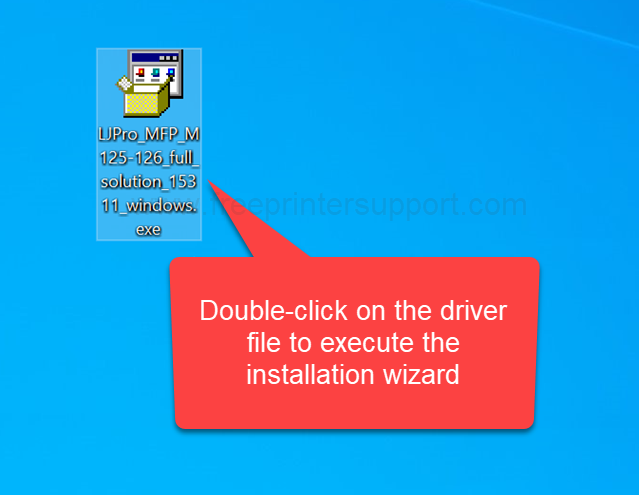
Step 1: Double-click on the driver file “LJPro_MFP_M125-126_full_solution_15311_windows.exe” to execute the installation wizard. If you don’t have the drivers, then you can download the driver from the above given download section.

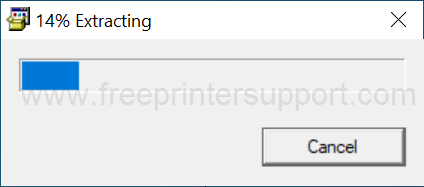
Step 2: It is now extracting the driver files, so please wait for that.

Step 3: It is now preparing to launch the installer. So please wait for that.

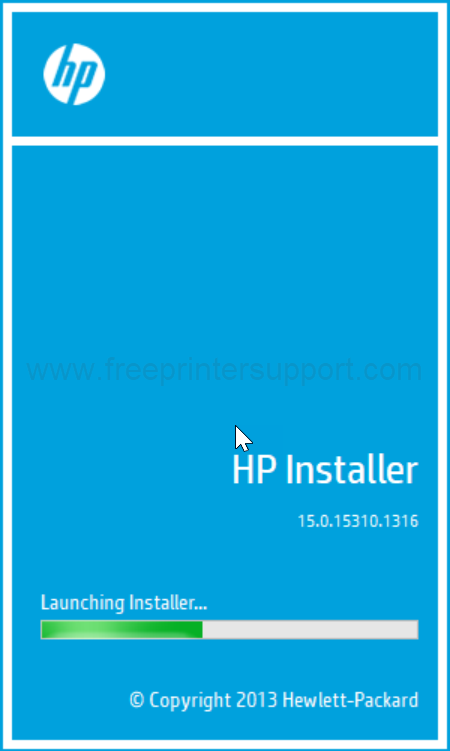
Step 4: It is now loading up the installer, so please wait for that.

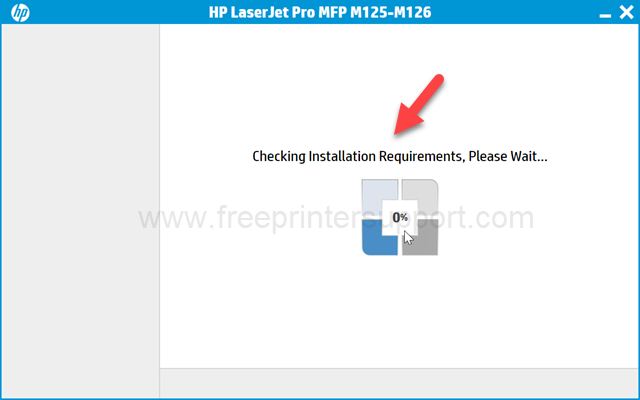
Step 5: Click on next to continue the installation process.
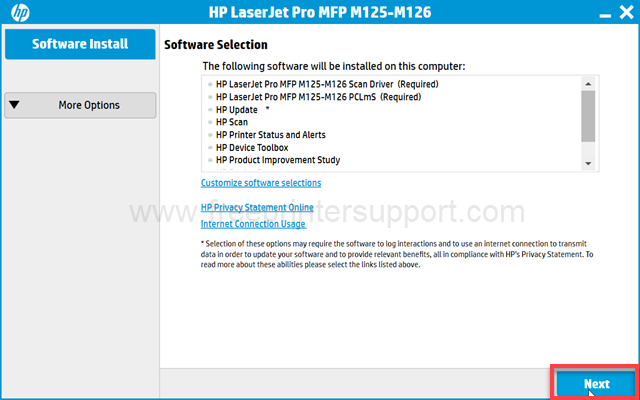
Step 6: Please tick the checkbox “I have reviewed and accept the license agreement” and then click on next.
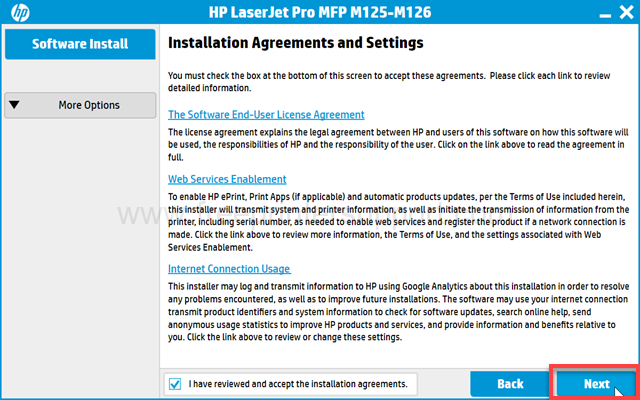
Ste 7: It is now preparing to install, so please wait for that.
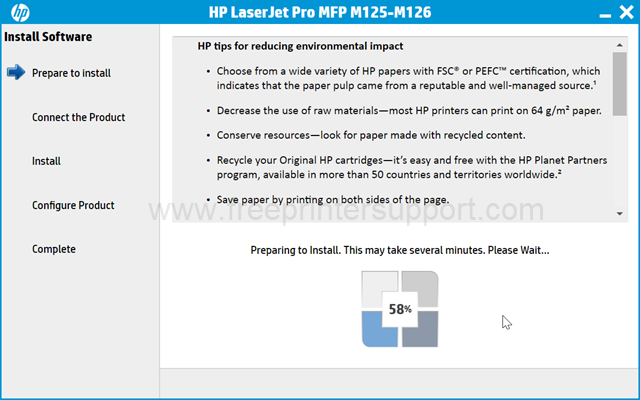
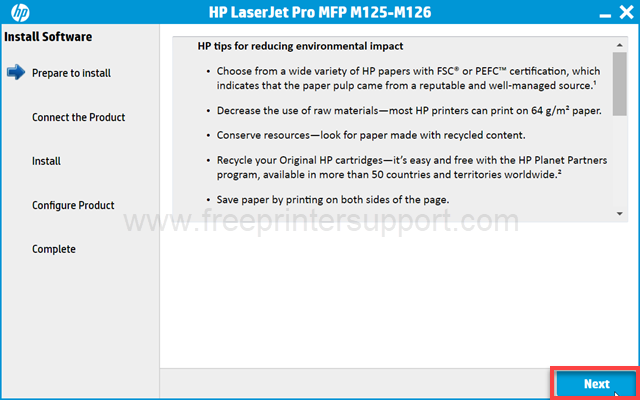
Step 8: Please click on the next to go further.
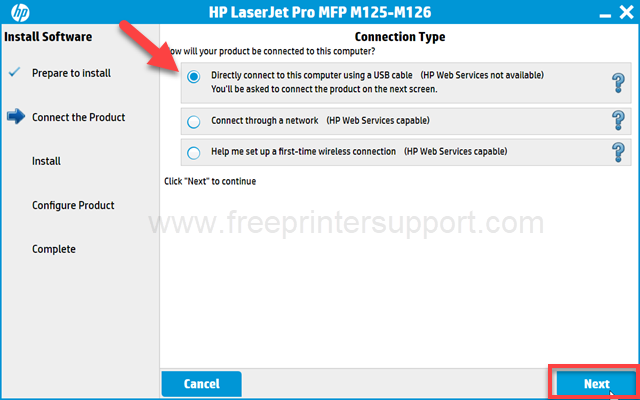
Step 9: Select the preferred connection type and click on next.
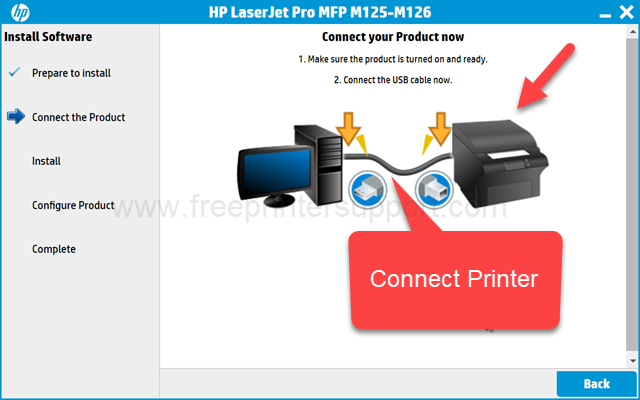
Step 10: Now please connect the USB cable of your printer to the computer and make sure the printer is turned on. This screen will detect the printer and then click on Finish to complete the installation process.
This is how you can install the printer on a Windows computer. I have installed it on my Windows 10 computer. You can apply the same steps and same driver on the Windows 11, Windows 8, Windows 7 and Windows Server as well.
HP LaserJet M126 Series Printer Full Specifications
HP LaserJet M126 series is an all-in-one laser black & white printer. The print speed of this printer is up to 20 PPM with a 1200 x 1200 DPI resolution. This is not a auto-duplex printer, you will have to flip the page manually if you want to print both sides of a page. It has a 2 line LCD display on the printer to easily navigate the printer settings easily.
This printer has built-in 600MHz processor with 128MB RAM along with a USB port & WiFi. This printer can install wirelessly on Windows, Linux, Mac and Apple’s operating systems. It has two connectivity options: USB and Wireless. Both needed an installation.
This printer has an input tray that can hold up to 150 pages and an output tray that can hold 100 pages at a time. The dimensions of the printer are 420mm in width, 365mm in depth and 254mm in length. The total weight of this printer is 8 KG. This printer uses an HP 88A black toner cartridge that will give you approx 1500 pages.
In this video, I have explained how to download the HP LaserJet M126 printer driver and how to install it and also provided all the specifications about this printer.