

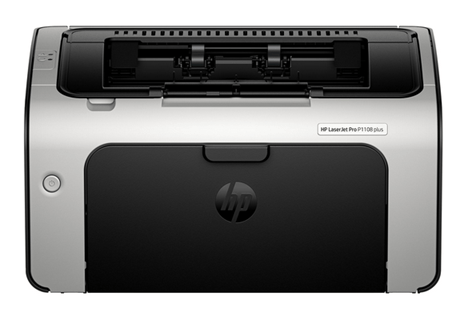
The HP LaserJet Pro P1108 Plus is a very popular single function laser printer, if you have some simple and bulk printing jobs, then you can take this printer. To set up this printer on a computer you need to download and install its latest version driver. If you have already installed the printer on your computer and it is not printing then I suggest you to reinstall its driver using the latest version.
To make installation process easy, I am going to provide a one-click driver download link in the guide below. Additionally, I have also shared a detailed installation guide which will help you to install this printer without any problems. So let’s start the installation process by downloading the drivers first.
Advertisement

Download HP LaserJet Pro P1108 Plus Driver for Windows
Supported OS: Windows 10, 11 (32bit/64bit)
| Driver File | Size | Download |
| Full Feature Driver for Windows XP/Vista/7/8/8.1 (32bit/64bit) | – | Not Available |
| Full Feature Driver for Windows 10/11 (32bit/64bit) Driver Type: Full Feature Driver File Name: Full_Webpack-59.1.1956-LJP1100_Full_Webpack.exe Version: v59.1.1956 Language: English Driver Pack Included: Printer driver and software |
83.5 MB | Download |
| HP Easy Start Driver for Windows 10/11 (32bit/64bit) File Name: HPEasyStart-16.8.12-LJP1100_59_1_1956_Webpack.exe Version: v59.1.1956 Language: English Driver Pack Included: Printer driver and software |
180.9 MB | Download |
| HP Easy Start Driver for Windows 10/11 (32bit/64bit) File Name: HPEasyStart_17_3_16.exe Version: v17.3.16 Language: English Driver Pack Included: Printer driver and software |
24.3 MB | Download |
| Full Feature Driver for Server 2003 to 2025 (32bit/64bit) | – | Not Available |
| Firmware Updater for Windows File Name: HP_LASERJET_PRO_P1100_2334B.exe Version: v2334B Language: English Driver Pack Included: Firmware |
7.7 MB | Download |
Driver for Mac
Supported OS: macOS 10.x, 11.x, 12.x, 13.x, 14.x, macOS 15 Sequoia, 26.x Tahoe.
| Driver File | Size | Download |
| Full Feature Driver for Mac OS 10.x, 11.x, 12.x, 13.x, 14.x, 15.x, 26.0 File Name: hp-easy-start-mac.zip Version: v10.8 Language: English Driver Pack Included: Printer & scanner driver |
10.8 MB | Download |
Driver for Linux/Ubuntu
Supported OS: Linux/Ubuntu
| Driver File | Size | Download |
| Universal Driver for Linux and Ubuntu File Name: hplip.run Version: v23.8 Language: English Driver Pack Included: Printer & scanner driver |
25.9 MB | Download |
OR
Download the HP LaserJet Pro P1108 Plus driver from HP website.
How to Install HP LaserJet Pro P1108 Plus Driver
I will explain in this section the proper way of installing the HP LaserJet Pro P1108 Plus printer driver. I will share the full feature driver and basic driver (inf driver) installation guide, which you must read before installing your driver.
1) Full Feature Driver
When installing the full feature HP LaserJet Pro P1108 Plus driver you should follow the installation steps given below.
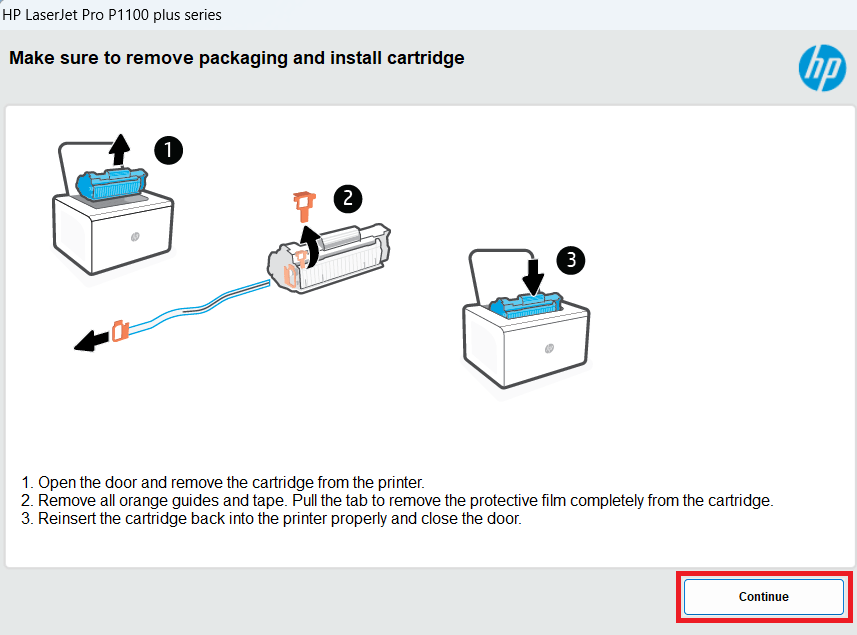
1. Make sure the cartridge is properly installed in the printer, then click ‘Continue’.

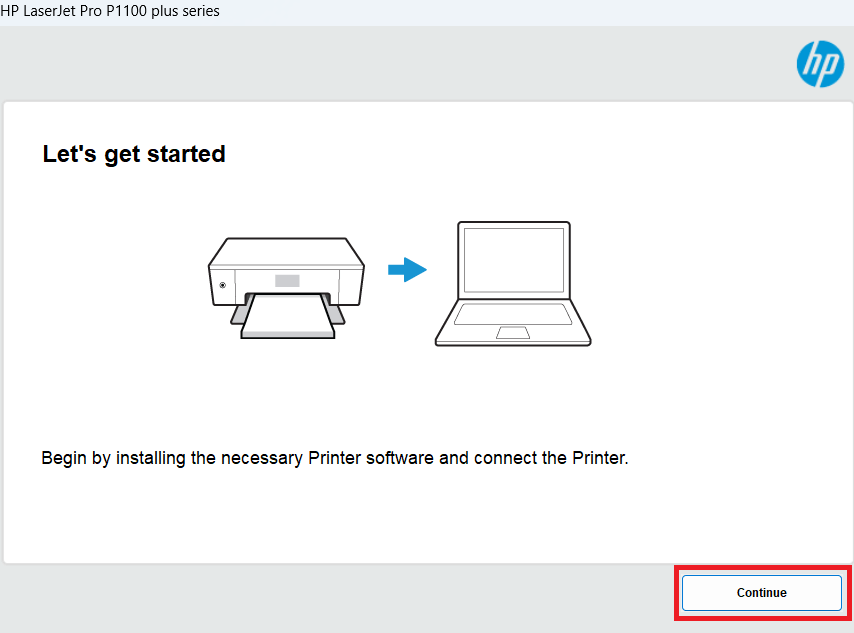
2. Click on ‘Continue’ to proceed.

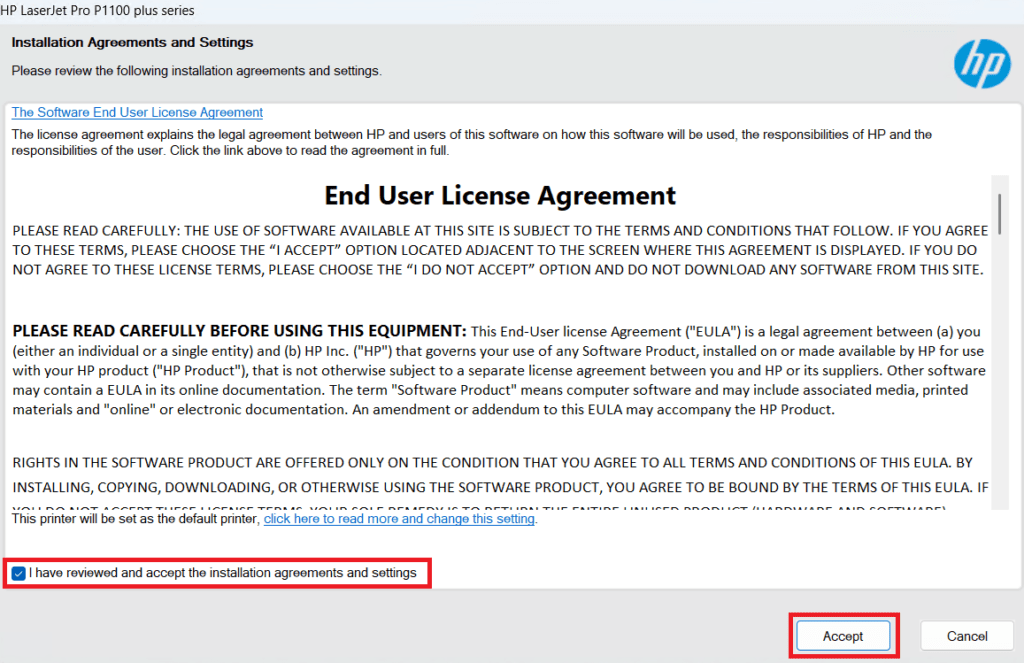
3. Select the ‘I have reviewed and accepted the installation agreements and settings’ option, then click on ‘Accept’.

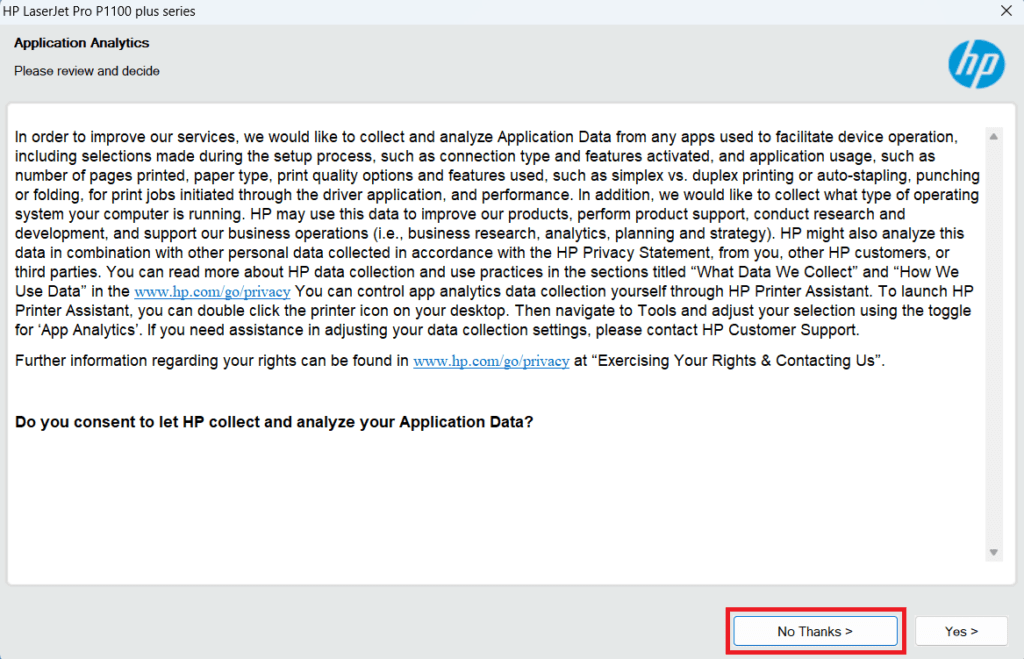
4. Click ‘No Thanks’ to deny sharing your app usage data with HP. If you want to share your data, then click ‘Yes’.

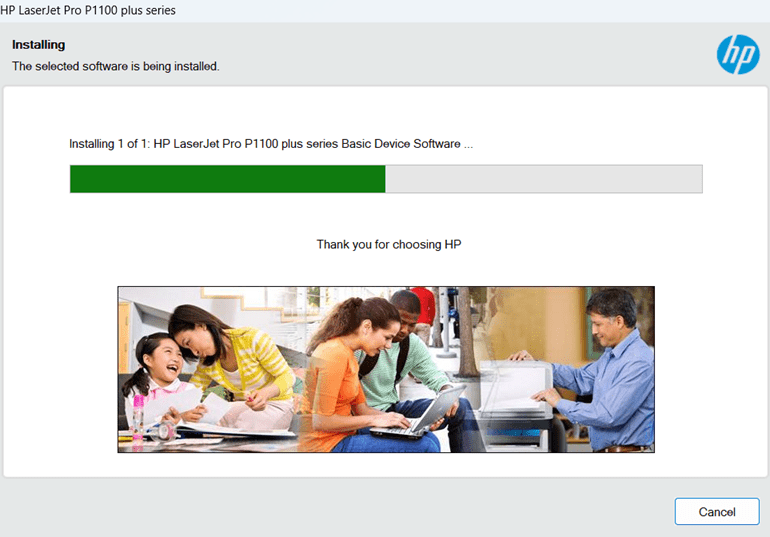
5. Wait for the setup program to install the driver on your computer.

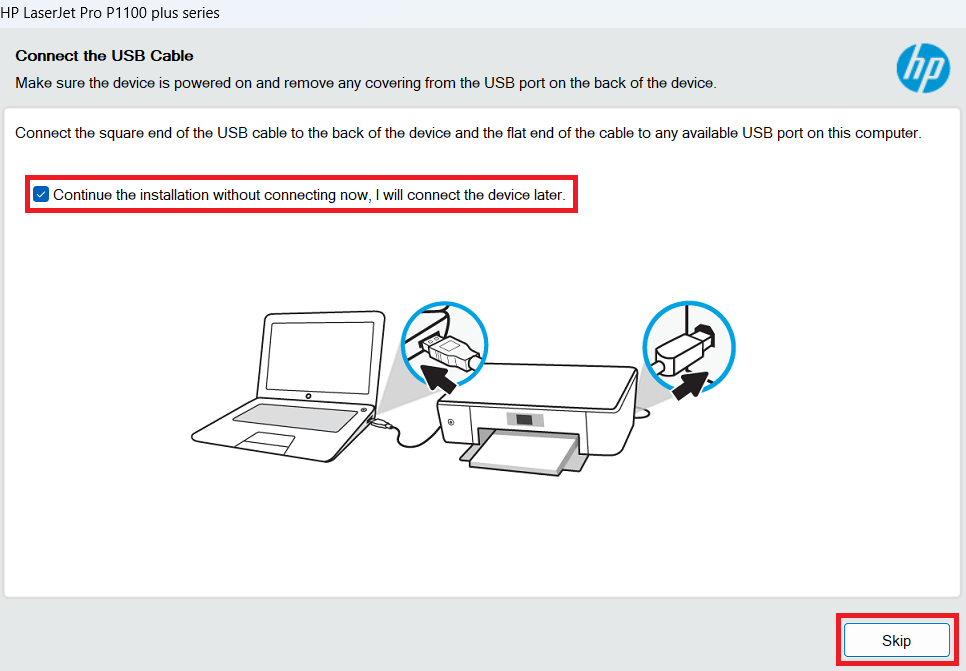
6. If you want to connect your printer to your computer now, then do so by using a USB cable. Otherwise, select the option to connect your printer later, then click on the ‘Skip’ button.

7. Click on ‘Finish’ to close the setup program.

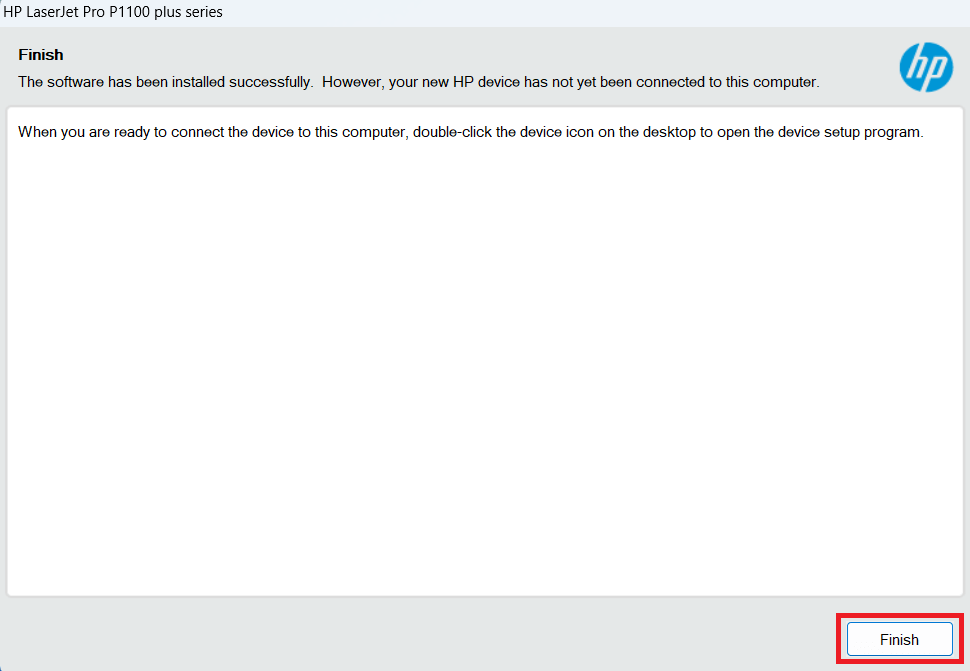
That’s it, you have successfully installed the HP LaserJet Pro P1108 Plus driver package on your computer.
2) Basic Driver
If you have decided to install this printer using the HP LaserJet Pro P1108 Plus basic driver, then follow the instructions of this guide: How to install a printer driver manually using a basic driver (.INF driver).
The download and installation instructions for the latest HP LaserJet Pro P1108 Plus printer driver described above can be followed whenever you want to install/update the new version driver of this printer.